

SMS Tech v1.28.13
The SMS/MMS app that does not read your messages.
5-axis audit (May 2026) — flaw fixed July 2026What does SMS Tech do?
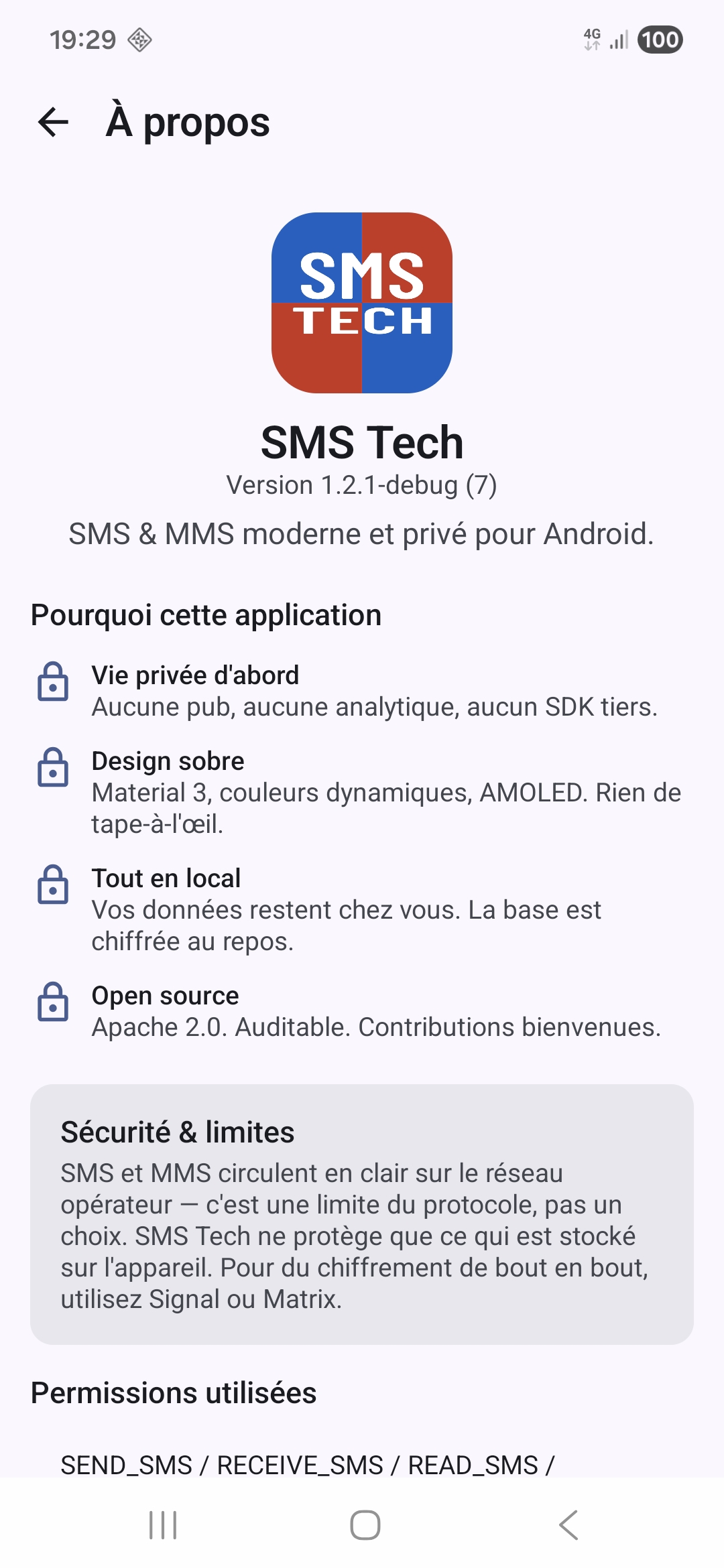
Every feature of a modern SMS app — no ads, no trackers, no forced cloud. Your messages stay on your phone.
SMS & MMS
Default SMS handler compatible with Android 8 → 15+. Imports your full history (text SMS + MMS) from the system, without duplicating anything.
2-minute voice messages
Push-to-talk in the Google Messages style — record, listen, send as MMS. Capped at 120 s / 450 KB to go through every French carrier (Orange, SFR, Free, Sosh, B&You).
Emoji reactions
Long-press a message → 24-emoji quick-pick picker (heart, thumb, laugh, fire …) plus an "Other emoji" button to pick any one via your keyboard. The recipient gets a notification in Apple/Google Tapback format: a native reaction bubble on iPhone and recent Google Messages. Can be disabled in Settings.
Clickable URLs
Links in received and sent messages are detected and clickable: tap opens the browser. Strict http(s) whitelist — exotic schemes (javascript:, intent: …) are rejected.
History cleanup
Automatic once a month OR manual on demand : deletes SMS/MMS older than 30, 60 or 180 days. Confirmation required before manual action. Starred favorites are never touched.
Resync from the phone
Button in Settings → Advanced that re-imports all SMS from the Android system. No duplicates. Useful to recover history wiped by mistake.
Encrypted vault
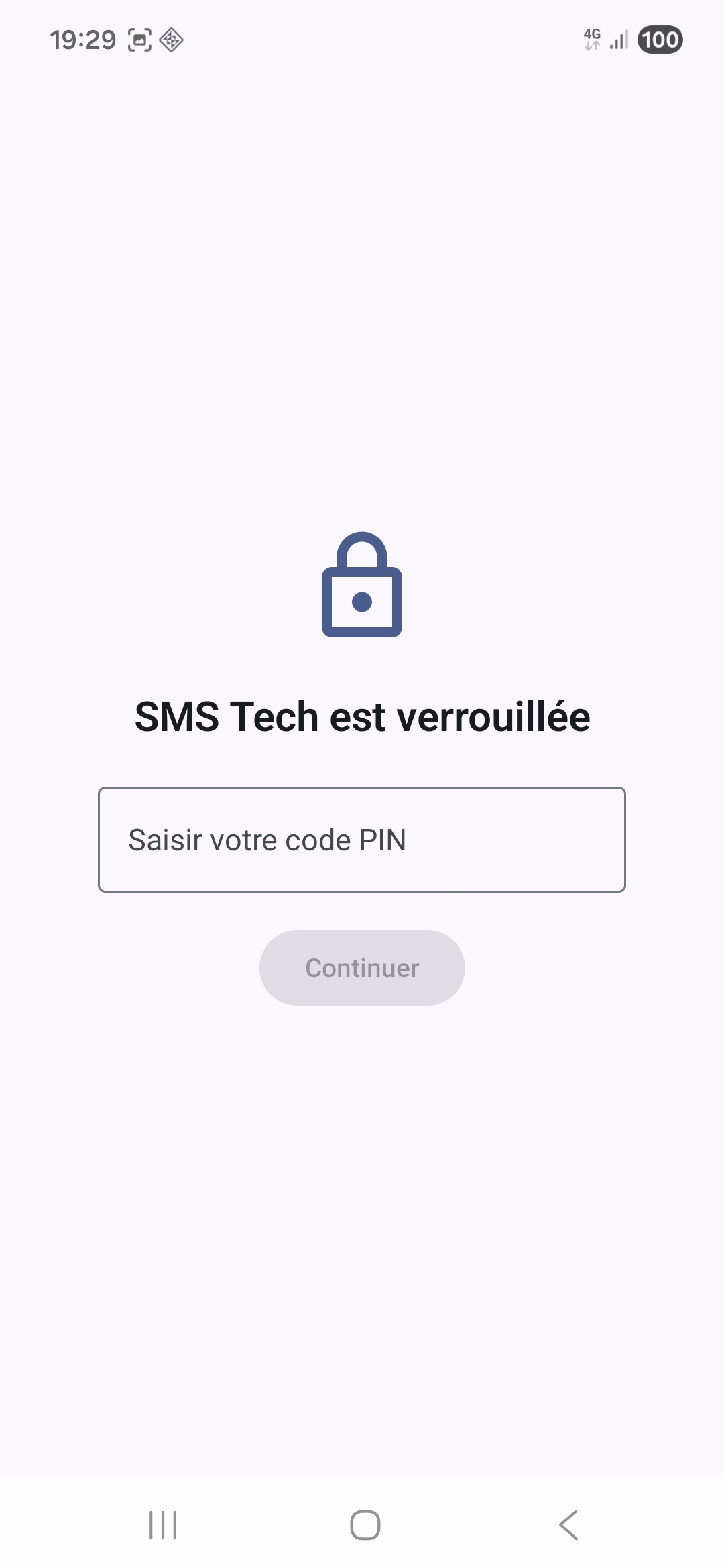
Sensitive conversations live in an SQLCipher vault, with the key wrapped in the Android Keystore. Optional auto-lock when the app is sent to the background.
Panic code
A second unlock code that opens the app in "decoy" mode: the normal list shows up, but the vault stays invisible and inaccessible. Useful under coercion.
Safety Call
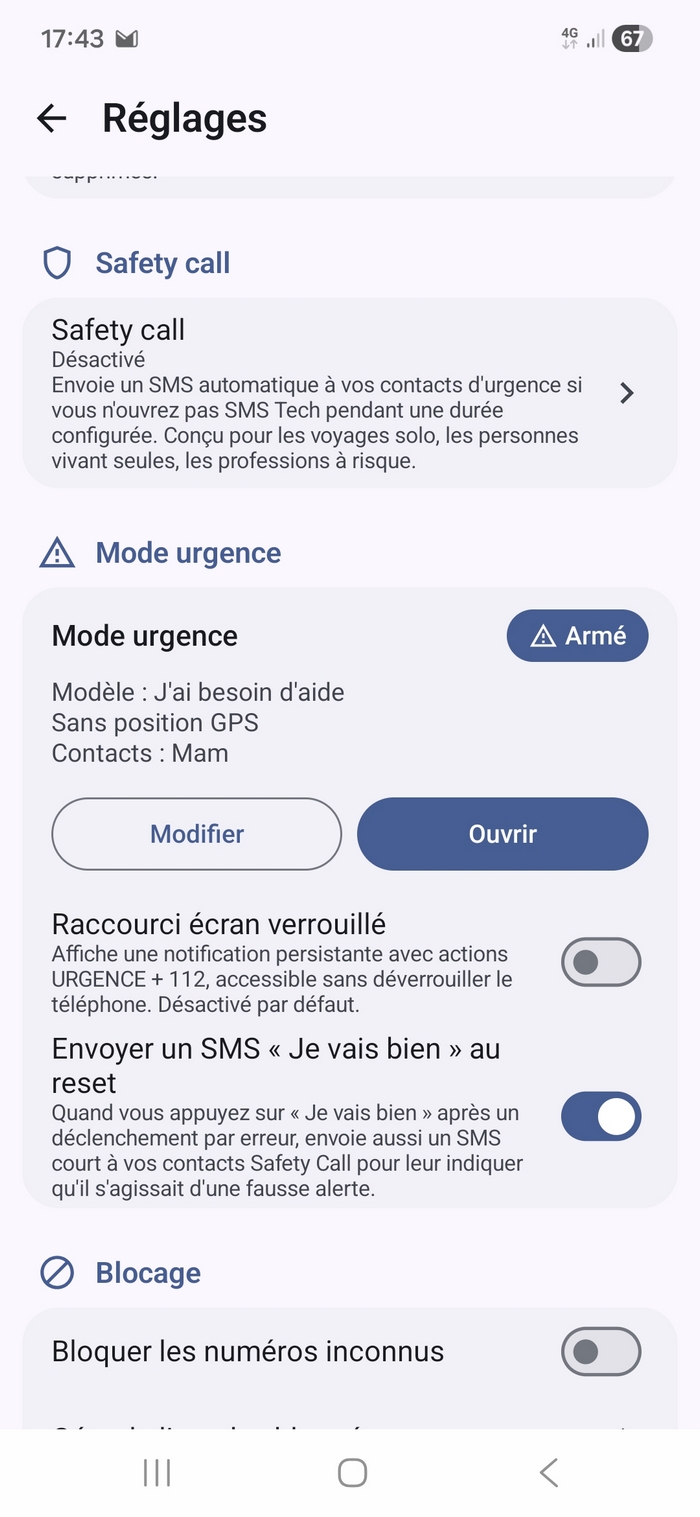
If you stop opening SMS Tech for a period you choose, the app automatically alerts up to 4 people by SMS, then follows up 3 times, 15 minutes apart, with an evolving message. A warning is shown before anything is sent, and "I'm fine" cancels the whole sequence. Trigger history available. Fully hidden in decoy mode.
Emergency mode
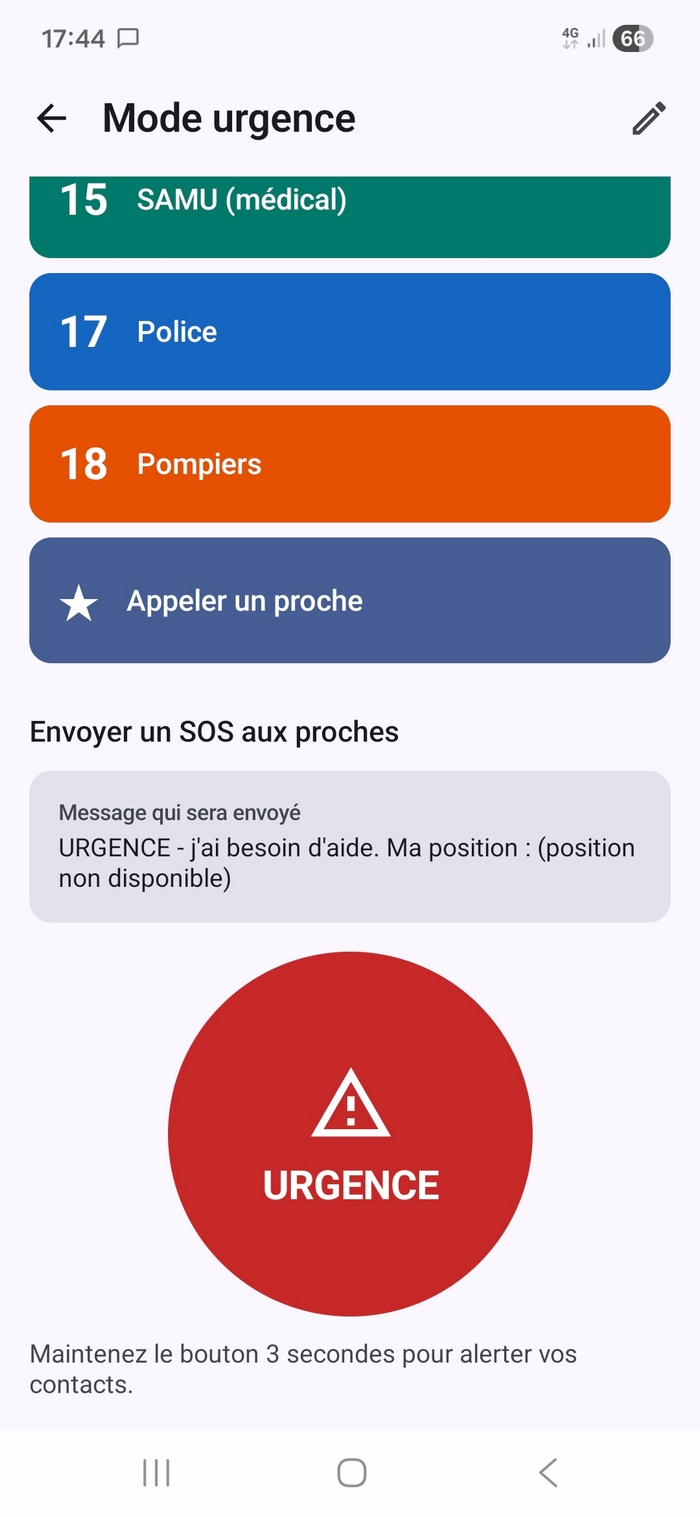
Button held for 3 seconds → alert SMS prefixed with ⚠️ sent to your Safety Call contacts, with optional GPS location. Direct calls to 112 (European SOS) / 15 (SAMU) / 17 (Police) / 18 (Fire). 112 + 17 shortcuts available in the lock-screen notification without unlocking the phone.
Biometrics
Fingerprint or face to unlock — with a mandatory fallback PIN. If the biometrics are invalidated (re-enrolment), the app automatically falls back to PIN.
Contextual reply
Tap "Reply" in a message menu → mini-pill above the composer + reply bubble with a quote in the thread.
Synced blocking
On first launch, automatically imports your blocked numbers from the Phone / Samsung Messages app. Retroactive purge of spam conversations already imported.
Attachments
Photo, video, document, contact — system picker, multipart MMS send compatible with Samsung One UI / Pixel / Xiaomi.
FTS search
Full-text SQLite FTS4 search across message body + numbers + contact names. Robust escaping of reserved characters.
PDF export
Export a conversation to PDF (date, sender, body) for archive or evidence. Shared via the Android picker.
Encrypted backup
Local AES-256-GCM encrypted backup via a passphrase distinct from the PIN. Restore from the same file.
Themes
Light, dark, AMOLED, and "Dark Tech" : slate-blue palette + brand blue accents. Customisable corner radius.
Five languages
French, English, German, Italian and Spanish — the whole app, emergency messages included. It follows your phone's language, or the one you pick in Settings → App language.
Smooth UI
Compose + per-bubble isolated recomposition (the others stay frozen while an audio plays). Conversation sorting in the 3-dot menu.
Zero ads, zero trackers
No analytics, no third-party tracking SDK. No network access : SMS Tech does not hold the Internet permission; MMS go through Android's own MMS service.
Screenshots
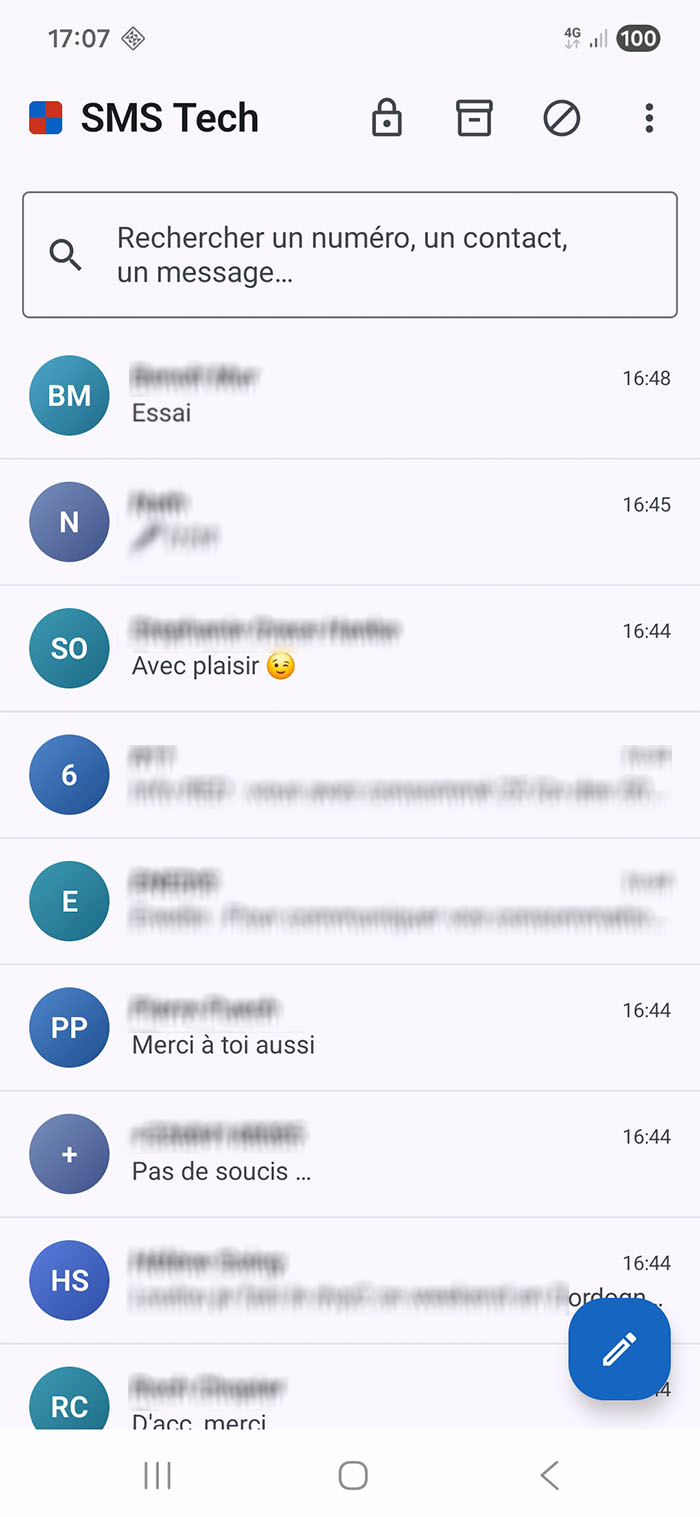
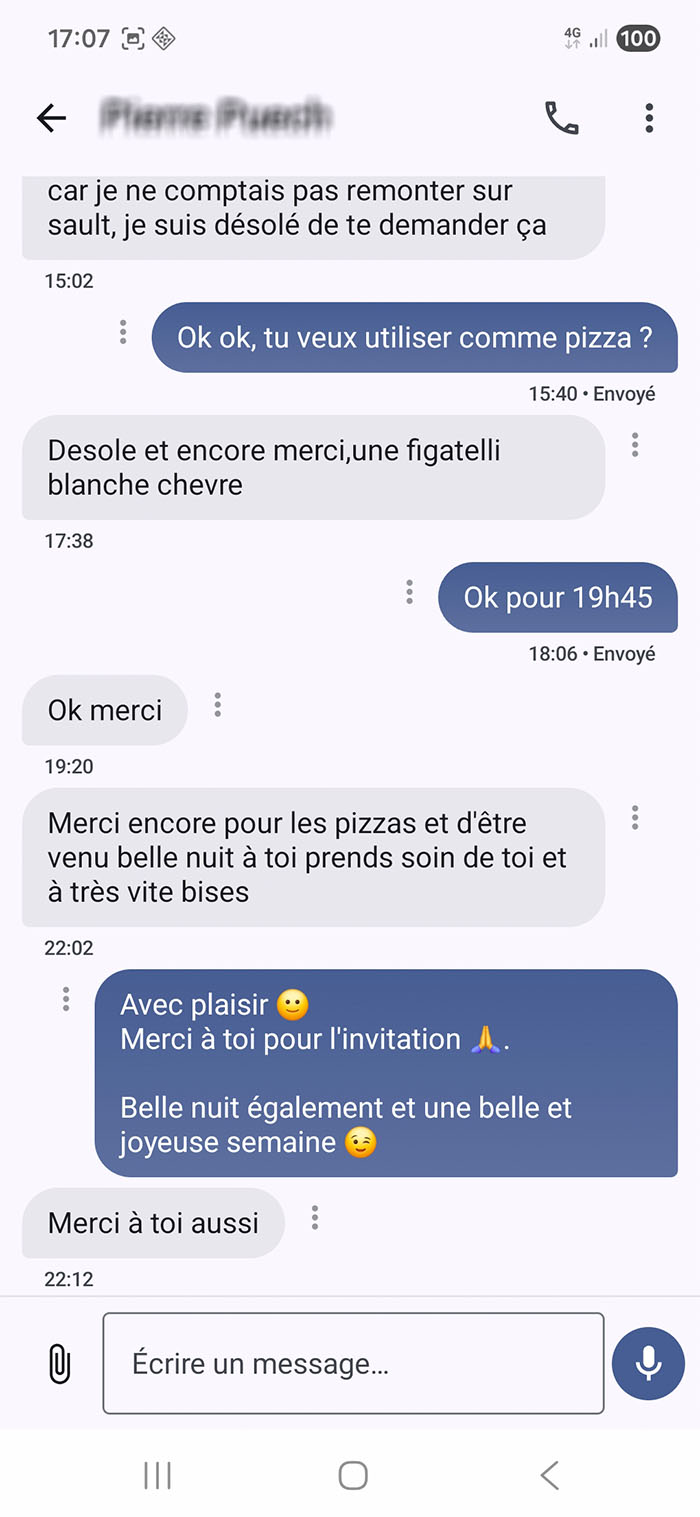
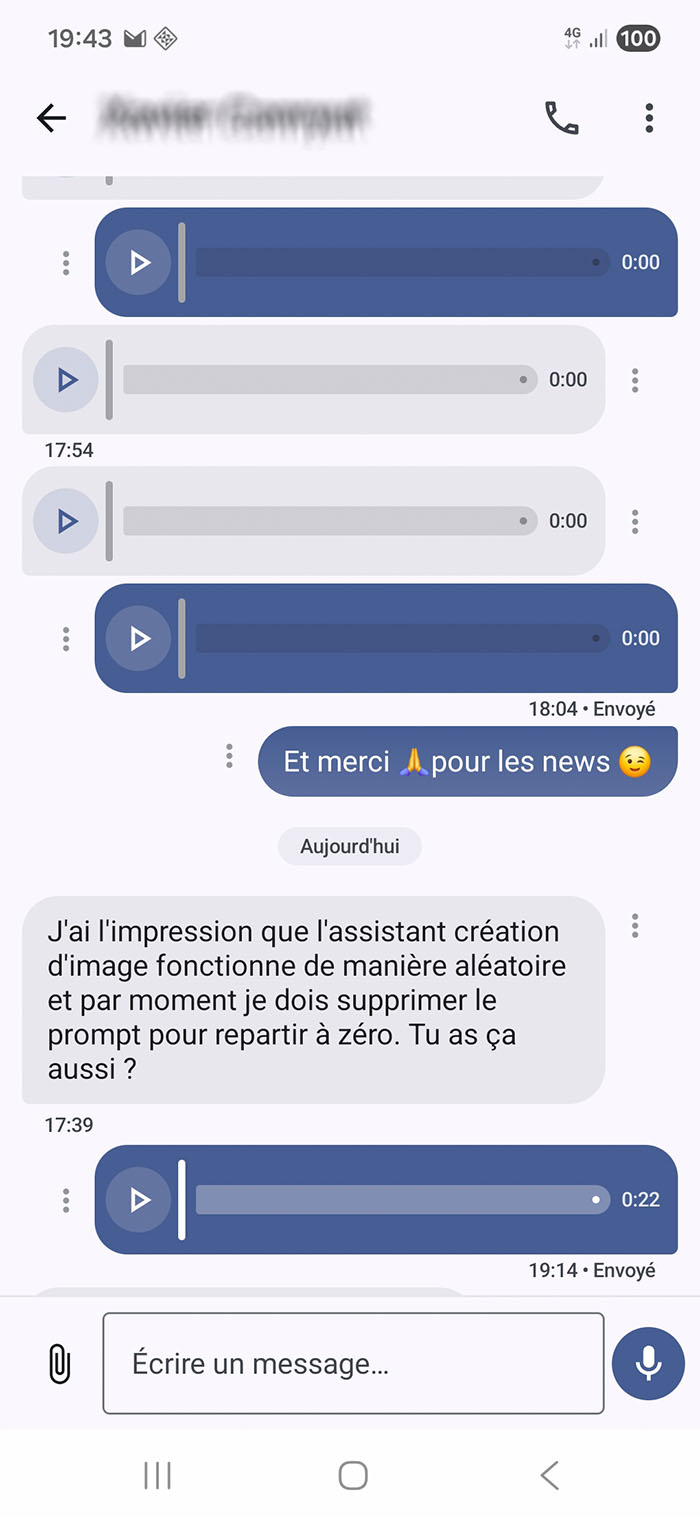
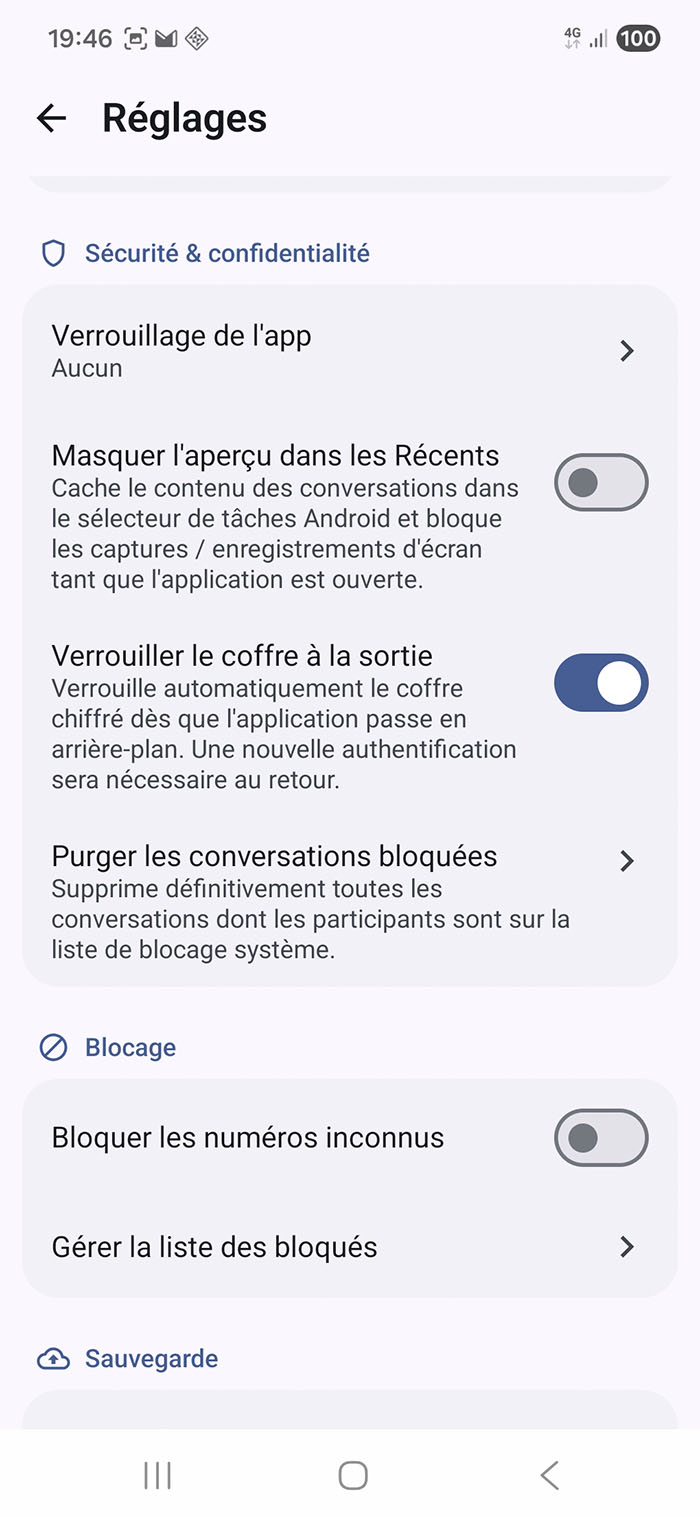
Privacy & permissions
| Permission | Why |
|---|---|
SEND_SMS / RECEIVE_SMS / READ_SMS / WRITE_SMS | Required by Android for any SMS app : read, write, send, receive messages. |
RECEIVE_MMS / RECEIVE_WAP_PUSH | MMS reception (WAP push notification then PDU download from the MMSC). |
READ_CONTACTS | Display the contact name instead of the raw number. Optional : can be denied. |
READ_PHONE_STATE / READ_PHONE_NUMBERS | Multi-SIM support to send from the right card. |
POST_NOTIFICATIONS | New-message notification + quick reply from the notification bar. |
USE_BIOMETRIC | Optional — unlock with fingerprint or face. |
RECORD_AUDIO | Recording MMS voice messages. |
ACCESS_FINE_LOCATION / ACCESS_COARSE_LOCATION | Optional — Emergency mode : Google Maps link with your position included in the alert SMS, precise or approximate (marked "+/-2 km"). Can be denied; the SMS goes out without coordinates. |
CALL_PHONE | Optional — Emergency mode : direct call from the emergency tiles. Denied, they open the dialer instead. |
Compatibility & per-manufacturer setup
SMS Tech works natively on most Android phones (Pixel, Samsung Galaxy, OnePlus, Sony, Motorola, Nokia, Fairphone…). Some manufacturers require additional manual configuration to allow SMS apps other than their own.
✅ Works out of the box (nothing to configure)
- Google Pixel (stock Android)
- Samsung Galaxy (One UI) — setting SMS Tech as the default SMS app is enough
- Fairphone, Sony Xperia, Motorola, Nothing Phone, OnePlus (OxygenOS), Nokia, etc.
⚠️ Xiaomi / Redmi / Poco (MIUI & HyperOS)
Xiaomi whitelists Google Messages + Mi Messages at the system level; every other SMS app is throttled by default. To make SMS Tech work on a recent Xiaomi, follow the 4 mandatory steps below (each one takes 30 s):
- Pure Mode OFF: Settings → Password & security → Privacy → Pure Mode → Disable.
- Set SMS Tech as the default SMS app: Settings → Apps → Default apps → SMS app → SMS Tech.
- Autostart: Settings → Apps → Permissions → Autostart → SMS Tech → ENABLE.
- No battery restriction: Settings → Battery → Battery saver for apps → SMS Tech → No restrictions.
- Notifications enabled: Settings → Notifications → SMS Tech → ALL ON.
If after these 5 steps MMS are still not received, disable MIUI Optimization in Developer options (tap 7× on "HyperOS version" to enable them, then turn OFF MIUI Optimization, reboot required). SMS Tech v1.4.0 ships with an opt-in low-profile foreground service (Settings → Advanced → Resilient mode) which automatically restarts after reboot — turn it on if MMS notifications stay silent. Note: HyperOS 2024+ only whitelists its own SMS apps; in that case use Google Messages.
⚠️ Huawei (without Google Mobile Services)
Setup similar to Xiaomi (EMUI/HarmonyOS throttles third-party SMS apps). Enable Autostart + No battery restriction in Settings → Apps → SMS Tech.
Untested phones
If you test SMS Tech on a manufacturer not listed above and run into an issue, open an issue on GitHub with brand + model + Android version. Compatibility grows with every user report.