
Read Files Tech v2.15.3
The Android Swiss army knife for your files: file explorer, universal reader, scanner, OCR, vault.
Security audit — May 2026ℹ️ At install time
Read Files Tech is distributed outside the Play Store (sideload). The combination
MANAGE_EXTERNAL_STORAGE + REQUEST_INSTALL_PACKAGES — required
for the universal file explorer feature and APK install from the explorer —
was long flagged by Google Play Protect as a dropper signature.
That is no longer the case: the app was submitted to Google's review and
passed it. Installing no longer requires any special step.
There is therefore no reason to disable Play Protect — leave it on. The app remains fully open source (Apache 2.0) and signed. Read Files Tech never downloads nor installs an APK in the background: every install goes through the system PackageInstaller with your explicit consent.
One app, twenty uses
Universal reader, scanner, OCR, vault, conversion, anti-EXIF — all local, no ads, no trackers.
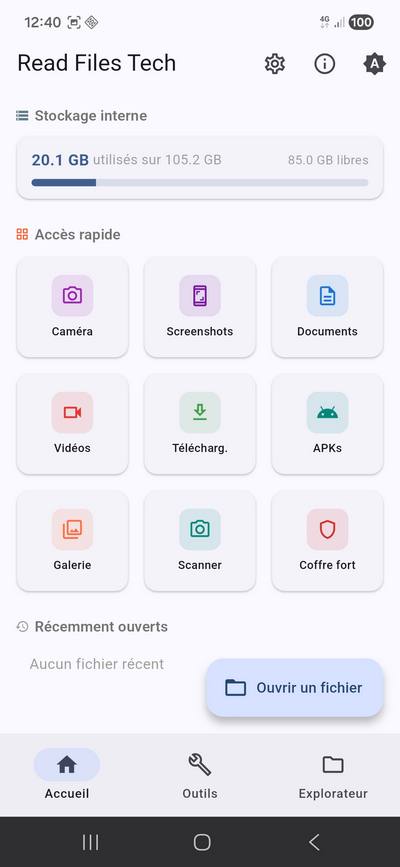
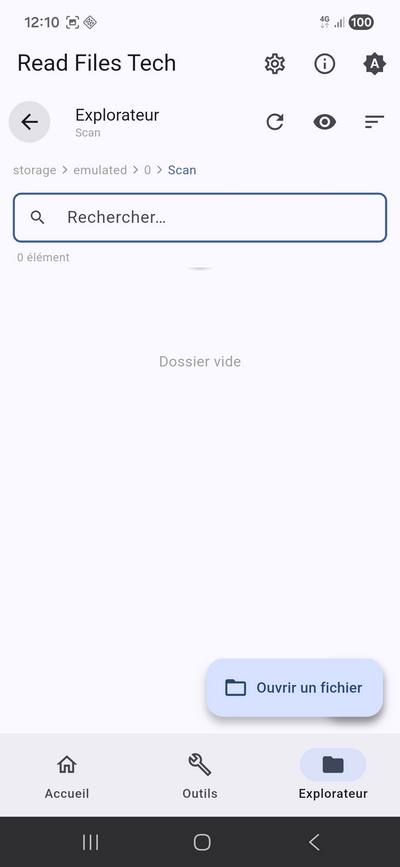
Full file explorer
Navigation, search, multi-select, bulk copy/move/delete/rename.
Smart picker
Recent + Browse tabs with colored shortcuts (Downloads, Photos, Videos, Music, Documents, WhatsApp…) and every storage folder with auto icons.
Text & code
TXT, MD, JSON, HTML, CSS, JS, PHP, XML with syntax highlighting.
Spreadsheets & documents
CSV, XLSX, DOCX, ODT, ODS, ODP — native display and CSV editing.
Built-in PDF
PDF reader + synchronized editing with PDF Tech in one tap.
EPUB & reader mode
EPUB books with chapters, decluttered reader mode for HTML.
Images
JPG, PNG, GIF, WEBP with navigation between files and thumbnails.
ZIP archives
Preview, extraction (anti zip-slip), ZIP creation.
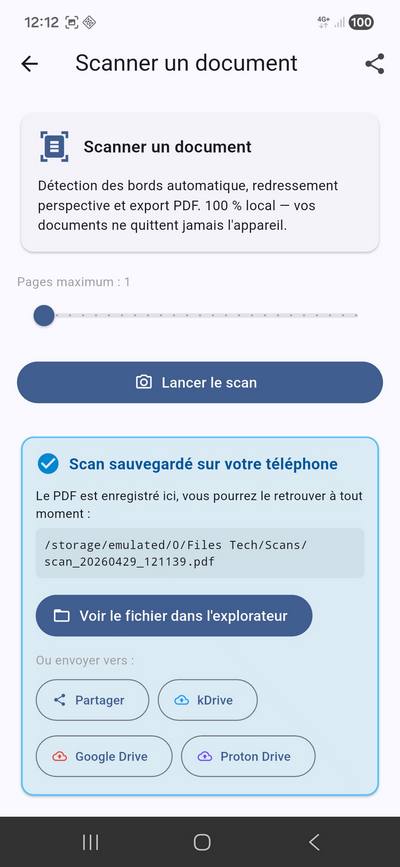
Document scanner
Camera → edge detection → perspective correction → PDF.
Local OCR
Image to text 100 % on-device (ML Kit, no cloud).
Strip metadata
Remove GPS, date, device model before any public share.
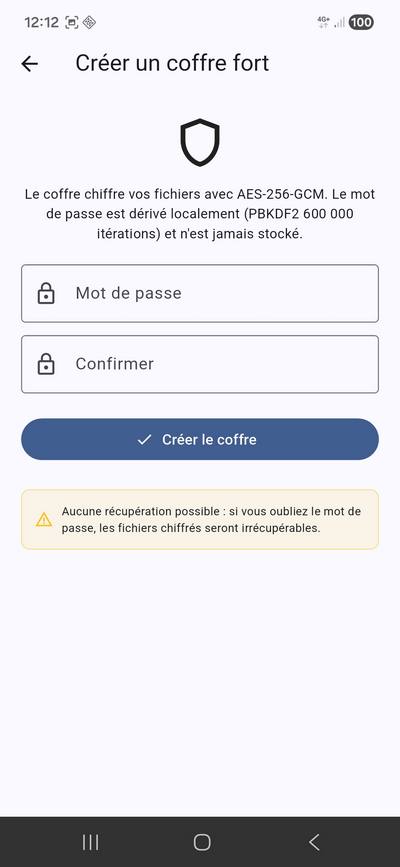
AES-256 vault
AES-256-GCM with AAD tied to the file name, Argon2id KDF (memory-hard, anti-GPU) for new vaults, native Kotlin AES for large files (10-50× faster), FLAG_SECURE active, anti-brute-force rate-limit.
Conversion
Images → PDF, CSV → XLSX, TXT/MD → PDF, PDF → TXT, DOCX → TXT, JPG ↔ PNG.
Image compression
Quality reduction & resize — takes a 5 MB photo down to 500 KB.
Private cloud
Direct upload to Infomaniak kDrive or Proton Drive.
Quick Tiles
Scanner, OCR and Vault from the Android notification shade.
PDF signature
Draw your signature with your finger and apply it to any PDF.
Global search
By name and content across the whole phone, in parallel (Dart Isolate).
Duplicates & large files
Three-pass SHA-256, frees up storage in a few taps with no risk.
Persistent saving
Scans, conversions, signatures saved in /Files Tech/<Category>/ visible everywhere.
Settings
Configurable output folder, optional automatic sharing.
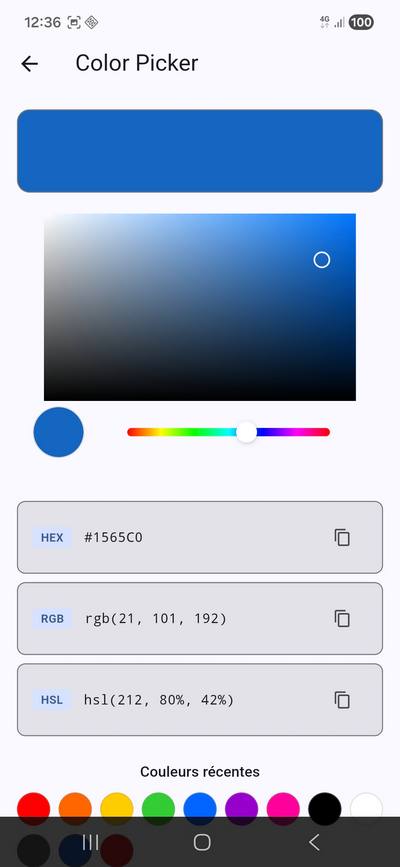
Dev tools
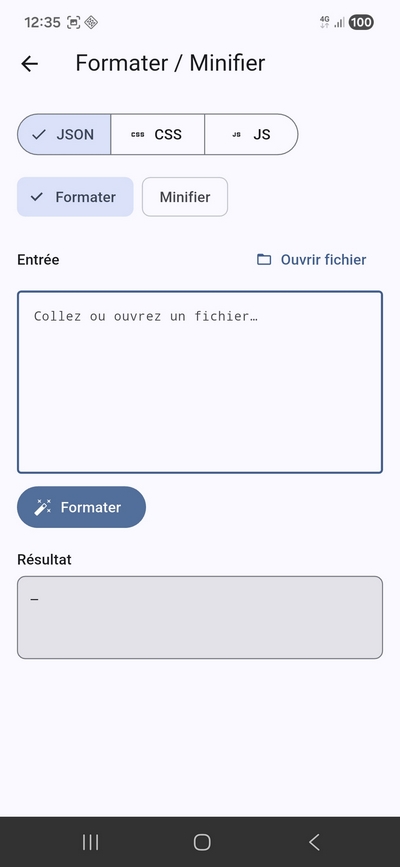
Hash, Base64/URL, JSON/CSS/JS format, diff, content search.
APK install
Tap an .apk file in the explorer → system PackageInstaller. Explicit user consent, never silent install.
Screenshots
Privacy & permissions
| Permission | Why |
|---|---|
MANAGE_EXTERNAL_STORAGE | Browse all files on your storage (file explorer feature). |
READ_MEDIA_* | Preview images, videos, audio (Android 13+). |
REQUEST_INSTALL_PACKAGES | Launch the installer when you tap an .apk file. |
CAMERA | Document scanner and OCR — image processed locally, never sent. |
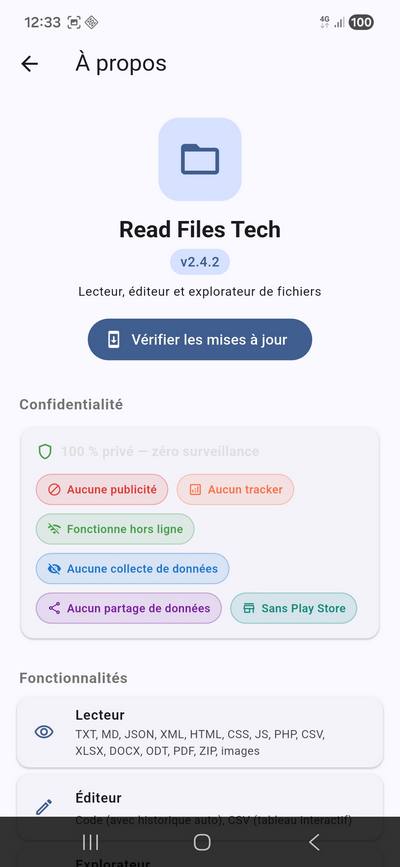
No internet permission since v2.15.3: the app connects to nothing, and its build fails if a network permission comes back. It no longer checks for updates on its own — the "Vérifier les mises à jour" (check for updates) button on the "À propos" (About) screen opens the releases page in your browser.
No telemetry, no trackers, no ads, no behavioral analysis. All processing (OCR, scanner, encryption, conversion) happens on your device.