

What does PDF Tech do ?
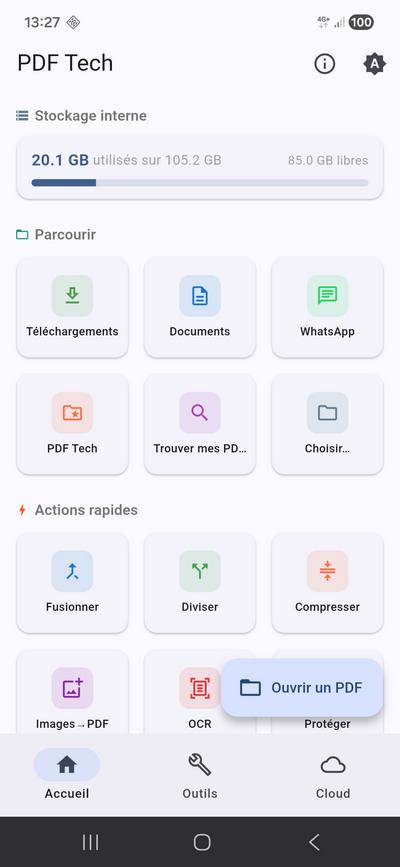
All common PDF operations, locally on your phone.
Fast reading
High-performance PDF viewer, search, table of contents.
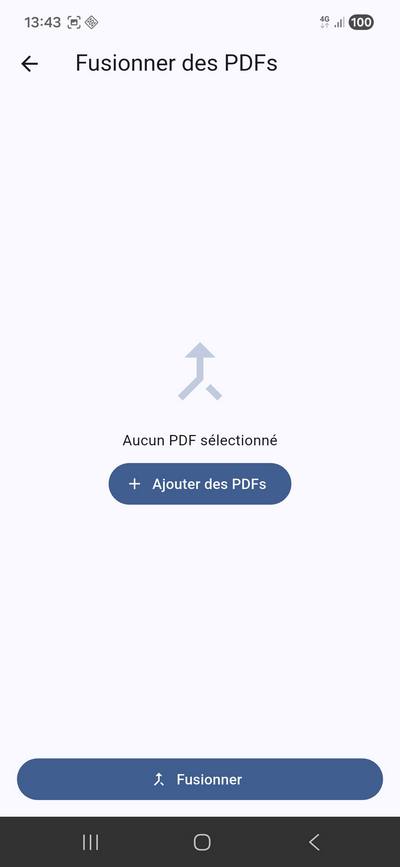
Merge
Combine multiple PDFs into one.
Split
Extract pages from a document.
Compress
Reduce a PDF's size.
Protect
AES-256 with password + strong owner password.
Unprotect
Remove a PDF's password with an explicit warning (file in clear).
Smooth UI
All heavy PDF operations (merge, compression, OCR…) run in the background via Isolate Dart — the app never freezes.
Images → PDF
Create a PDF from your photos.
OCR
Text recognition with Tesseract, offline.
Sign
Add your signature to a document.
Watermark
Add a text or logo overlay.
Rotate / Reorder
Rotate or reorder pages.
Delete pages
Remove pages from a document.
Read a PDF
Quick action that reopens the last read PDF, or pick a new one.
Edit & annotate
Text, highlight, free drawing — flattened into a new PDF.
Create a rich PDF
Multi-block editor: titles, paragraphs, lists, code, images, links.
File explorer
Recents picker plus a full storage explorer with per-type icons. Only PDFs are selectable.
Direct cloud
Send to Google Drive and native share from every result.
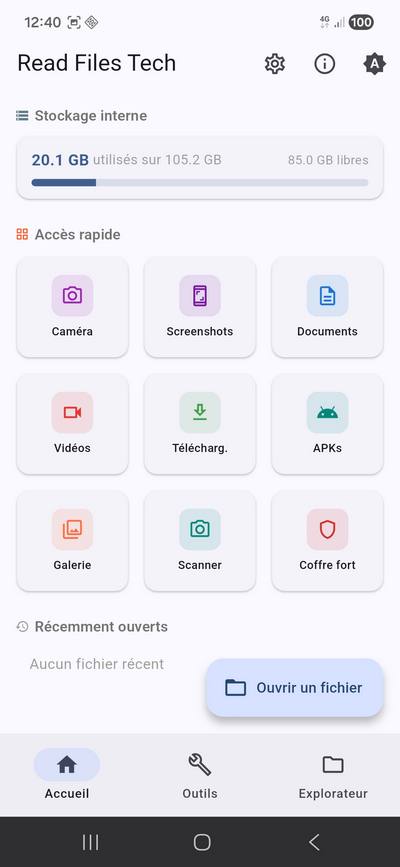
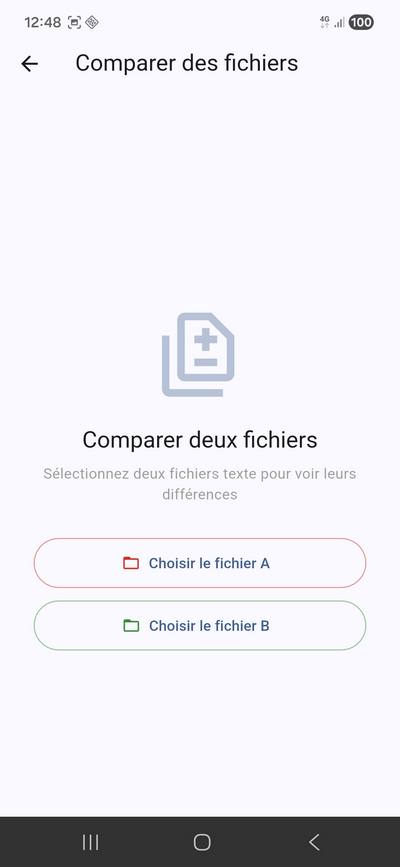
Screenshots
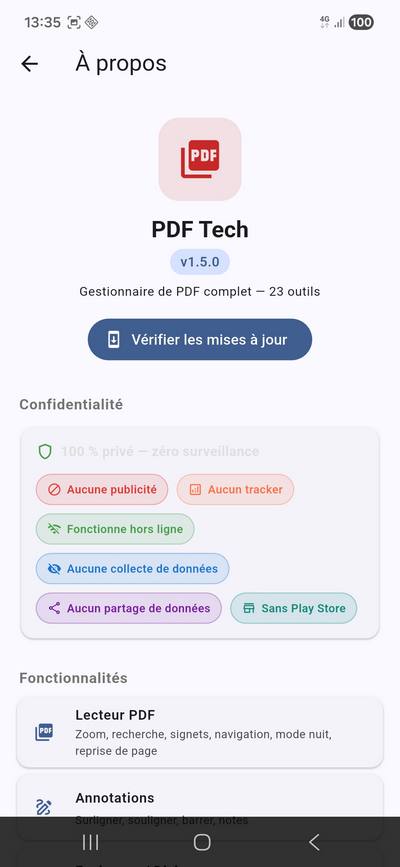
Privacy & permissions
| Permission | Why |
|---|---|
INTERNET | Update check via GitHub Releases (anonymous). |
MANAGE_EXTERNAL_STORAGE | Browse and open your PDFs in Downloads, Documents, etc. |